
Understand
Bring the goal, requirements, and current project context into the task.
An open-source DeepSeek Harness plugin
Context and memory, computer use, tasks and evidence in native conversations.
Keep your models. Choose the themes and plugins that fit your work.
For DSH 0.2.2-rc.3
From conversation to delivery.
Open image ↗WHAT'S NEW
New features, improvements and fixes are in the changelog. Packages and checksums for every release are on GitHub Releases.
PLUGIN ARCHITECTURE
Workflow, Rewind, Persona, Extensions, DeepSeek Workbench and OpenCU can each be installed on their own. Installed alongside OMD, they work together and each keeps its own data.
Plugin structure and coinstallation ↗01 / CONTEXT & MEMORY
Summaries keep the current task moving. Original messages and attachments remain available when you need exact details.
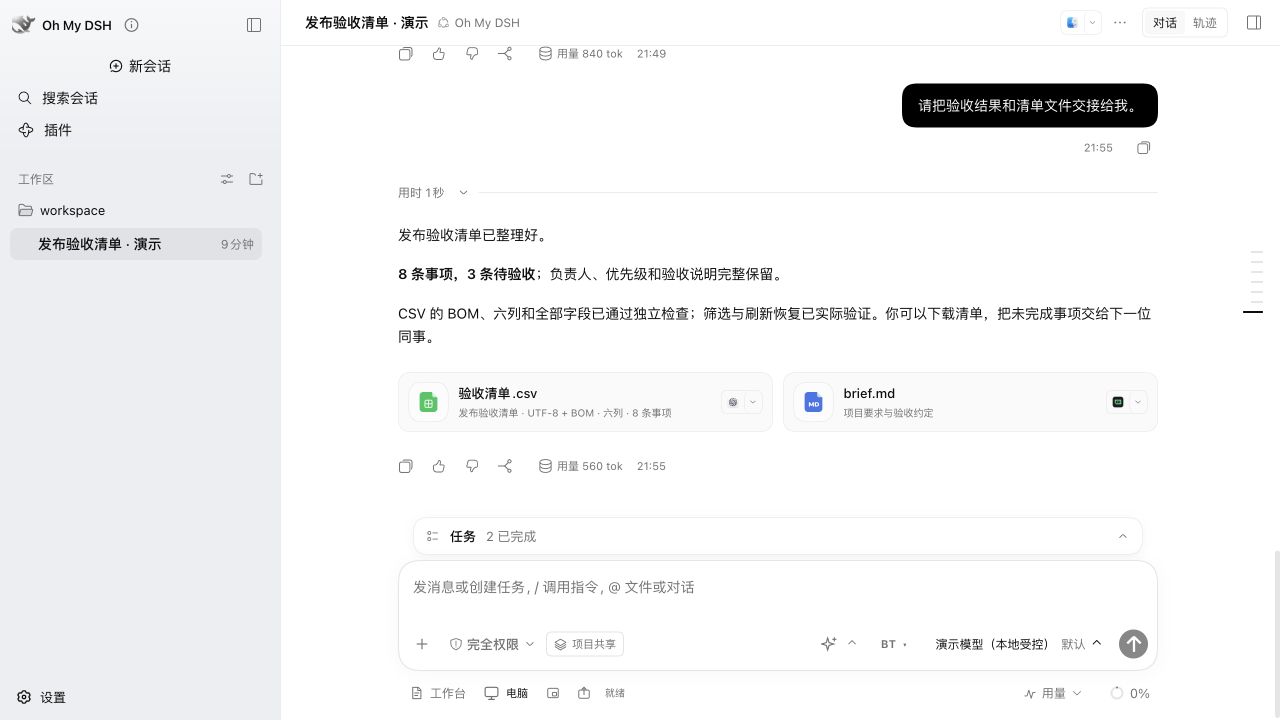
Keep owners, priorities, and pending items. Export a six-column CSV with UTF-8 + BOM. The original message provides the acceptance criteria.
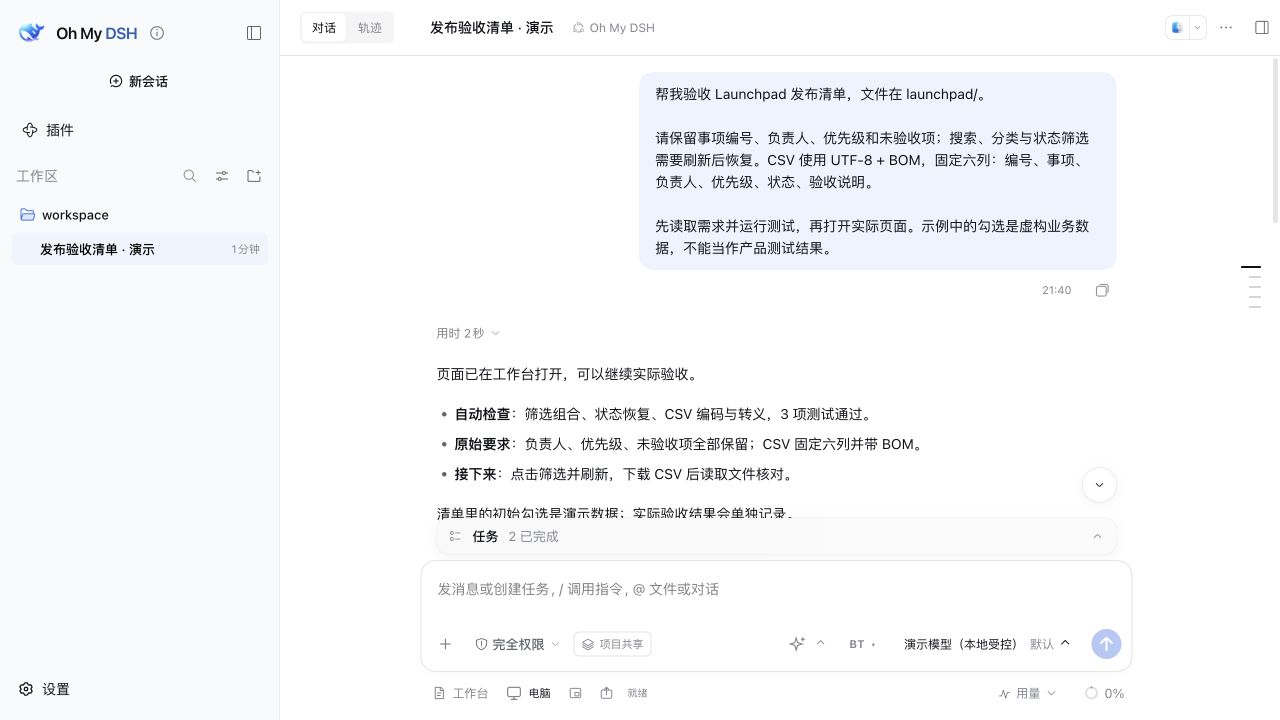
The active model context window remains finite. Read the usage guide ↗
02 / OPENCU
Open a checklist, filter pending items and verify the downloaded file. Browser and desktop actions, annotations and previews stay within the same conversation.
Computer Use guide ↗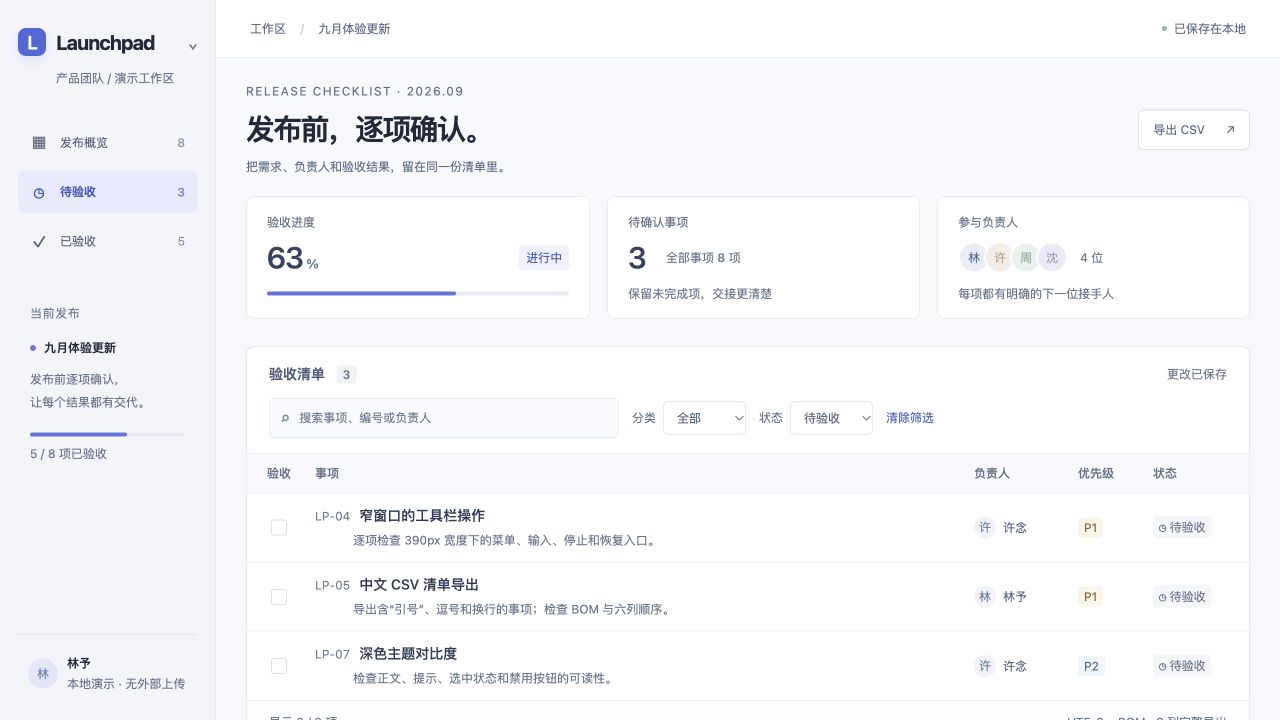
Reference @Browser, a connected @Chrome, or an application to bring the target into your task.
Follow the live view and action history. Stop, take over manually, and resume assistant control.
Annotate a region or element, and preview temporary font and color changes for precise feedback.
03 / SYSTEM PROMPTS
The default prompt draws on Claude Code. You can also switch to Codex, Cursor, Pi, Grok, ZCode or native DSH styles, each adapted to the tools, permissions and modes DSH actually has.
Prompt styles and sources (Chinese) ↗Bring the goal, requirements, and current project context into the task.
Use available native tools and permissions, with instructions suited to the active mode.
Connect deliverables and actual execution results to the original requirements.
04 / MAKE IT YOURS
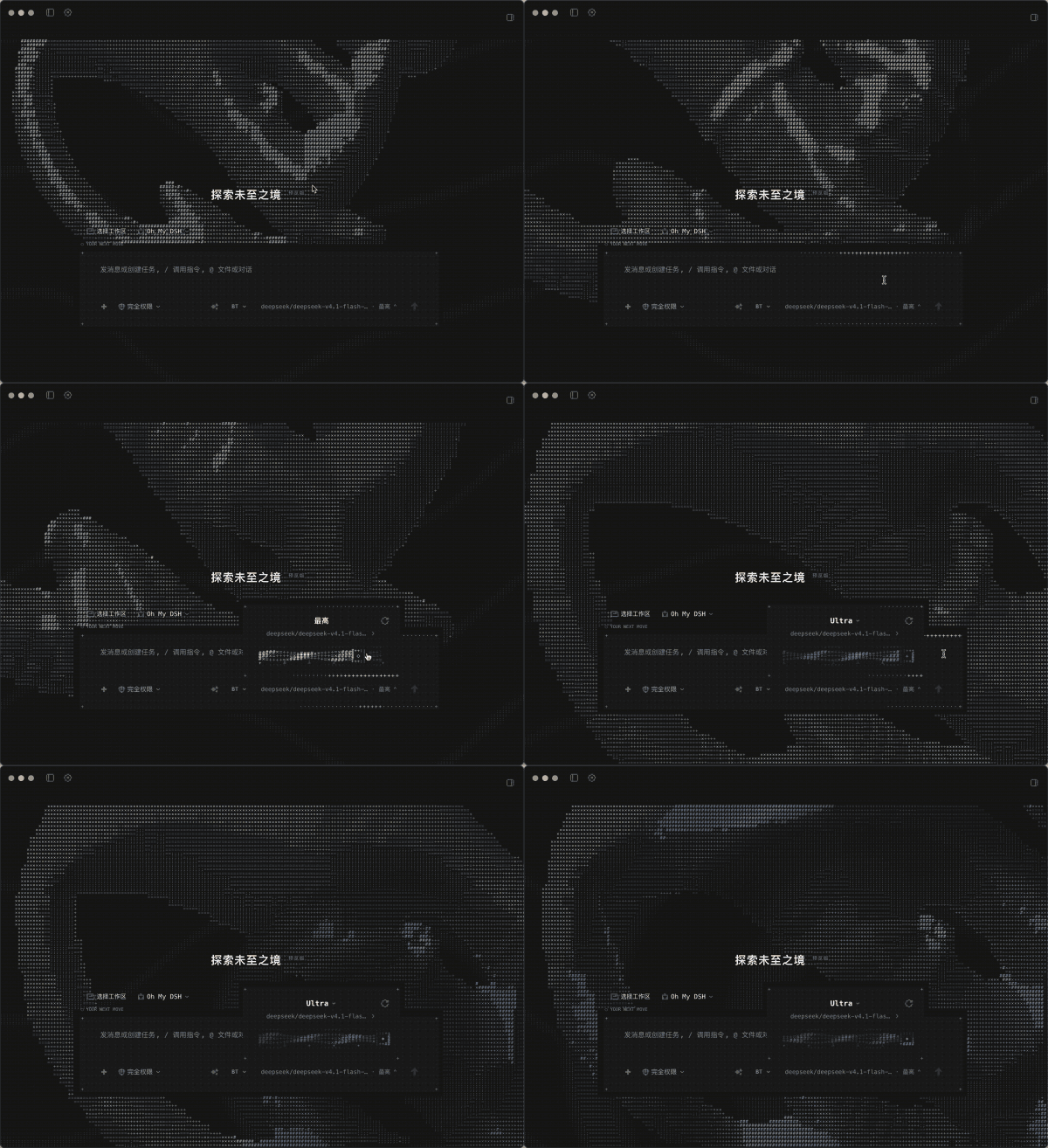
Six themes plus the native DSH appearance, with light and dark layouts for conversations, navigation, settings, and the workbench.
APPEARANCE
Choose themes, 30 color palettes, and backgrounds independently. Adjust typography, surfaces, section colors, names, and logos.
Appearance settings (Chinese) ↗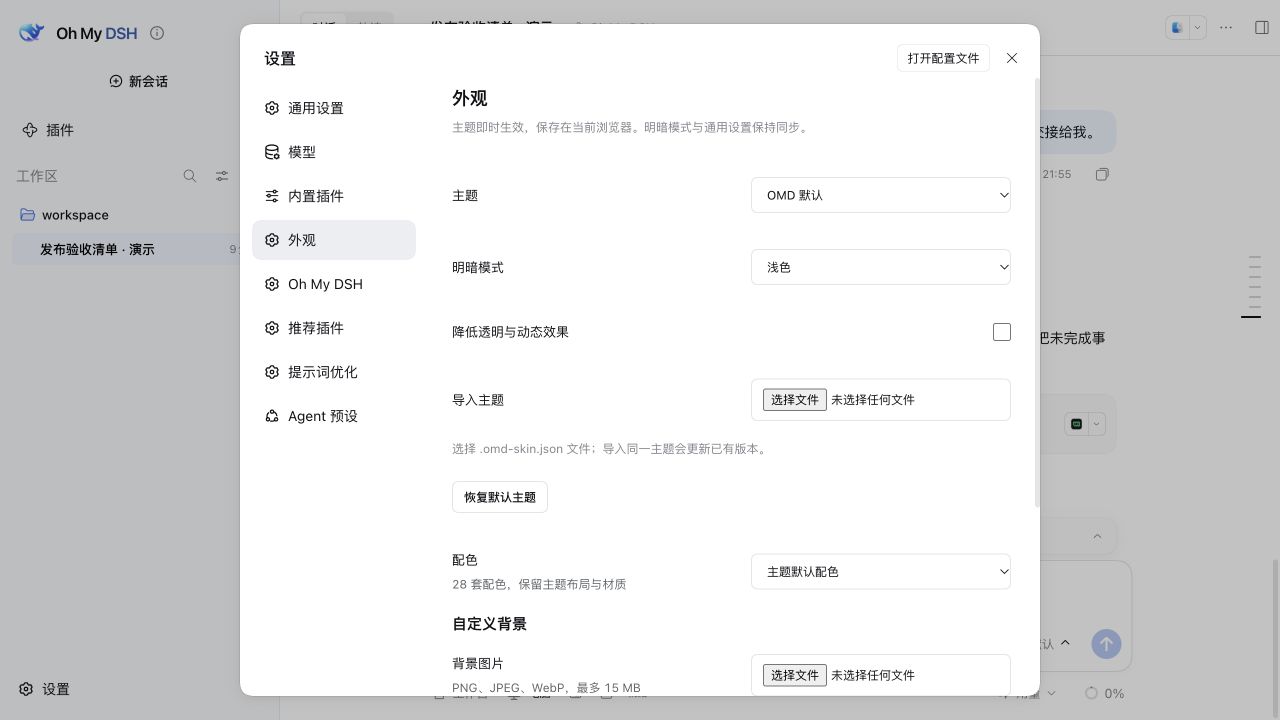 Themes, palettes, and details ↗
05 / WORK TOOLS
Focused tools for requirements, deeper work, and a clear finish.
Requirements, tasks, and evidence together.
Session reminders track unfinished tasks. Optional verification reminders help check the result.
Hand complex work to several agents.
Choose Workflow, Agent Team or free collaboration, with xhigh reasoning by default. Add +500k to set an output target for the turn.
Turn ideas into clear requirements.
Refine wording, structure a request, or plan steps. Keep the original and revisions, with undo and further edits.
Usage guide ↗Also includes CodeGraph for code relationships and OMD-PTC for composing tool calls. Explore the tools ↗
06 / PLUGIN ECOSYSTEM
Recommended plugins show their purpose, version and status, and are kept in step with DSH and OMD.
Suggest a repository and describe what you need.
Submit a Plugin ↗Third-party catalog and compatibility ↗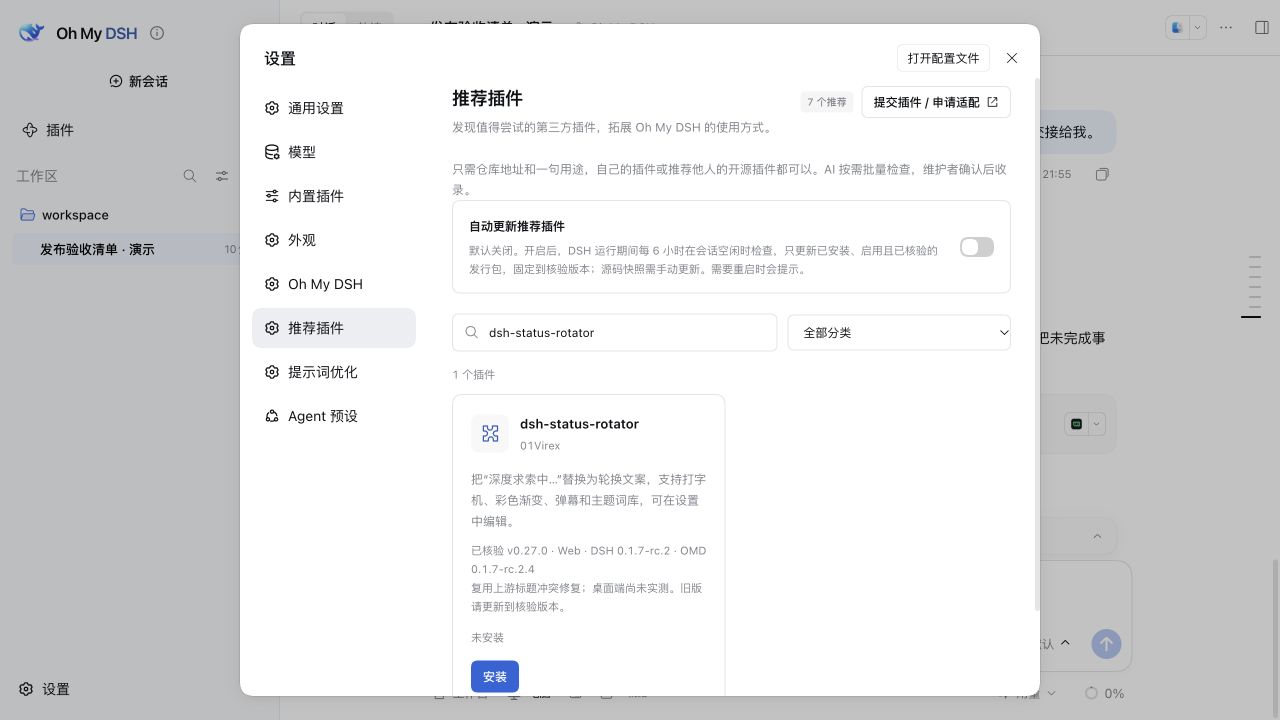
Automatic updates are off by default.
INSTALL
Paste the matching package URL into Plugins → Add plugin in DSH. Older DSH versions use their matching older release.
Oh My DSH is a DeepSeek Harness plugin. It uses the host's models, conversations, native tool loop, and skills.
Archives, summaries, and on-demand recall extend the task history. The current model window remains finite. Original messages and attachments are retained for exact reference.
Keep your existing model configuration. Native tool calling is required; screenshot understanding also requires image input. The plugin includes no model account or branded subscription.
Support depends on the feature, host version, operating system, and permissions. Native desktop capture has additional system requirements. See computer and browser use (Chinese) for system requirements.
Installation makes Oh My DSH the default Agent preset, enables full file and command access, and disables execution approval. Explicit profile overrides take precedence. Back up your configuration and data first.